![Logo-White-1.png]](https://docs.yogobooking.com/hs-fs/hubfs/Logo-White-1.png?height=40&name=Logo-White-1.png)
How to do it
- Log in to YOGO Admin → Settings → Company details
- Update the relevant fields, e.g.:
- Company name
- Address
- Phone number and email
- Logo
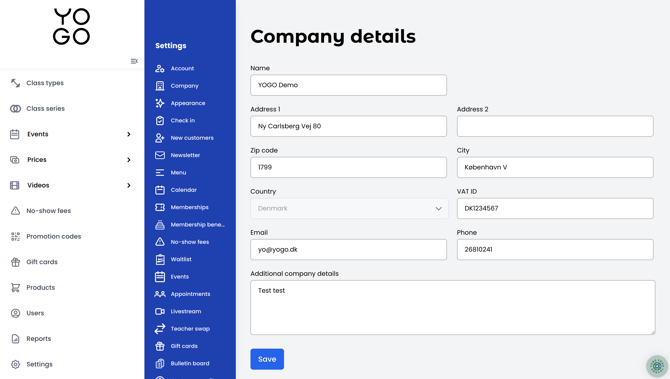
- Click Save to confirm the changes
If your business changes its CVR number (e.g. due to a company restructuring, sale, or new legal entity), it is not enough to simply update the field in Admin — a new payment agreement is also required. Contact YOGO and wait for confirmation of the CVR number change before a correct payment agreement can be set up.