![Logo-White-1.png]](https://docs.yogobooking.com/hs-fs/hubfs/Logo-White-1.png?height=40&name=Logo-White-1.png)
How to do it
-
Go to YOGO admin
-
Click Prices
-
Click Price Groups (shown below Prices)
-
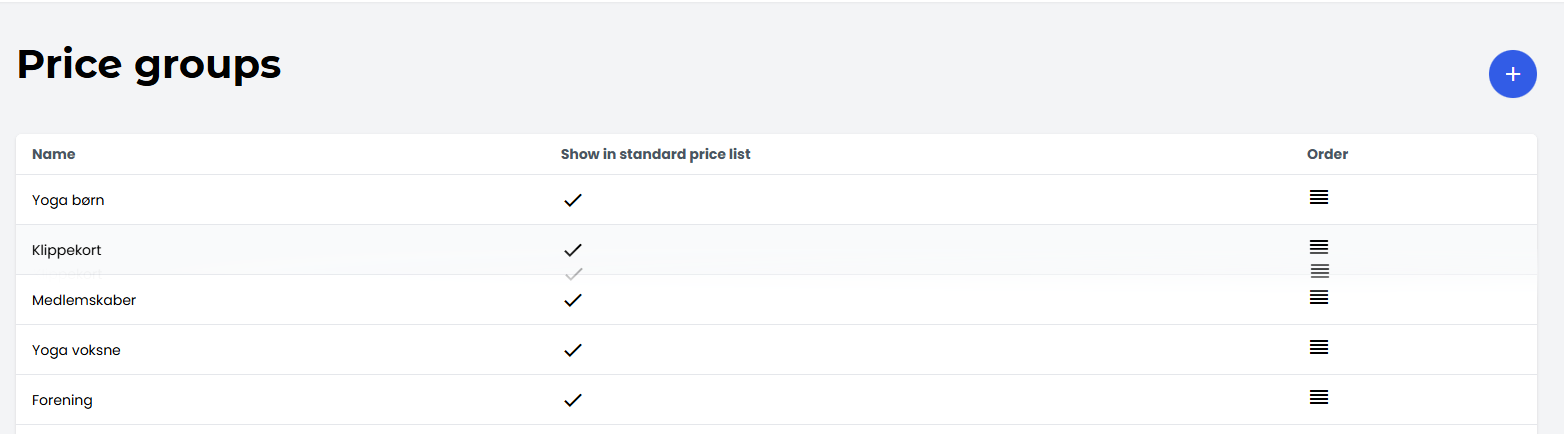
Use drag and drop to change the order:
-
Click and hold the icon with the four horizontal lines on the right
-
Drag the price or price group up or down
-
Release it when it’s in the desired position
-
The changes take effect immediately.