How to do it
-
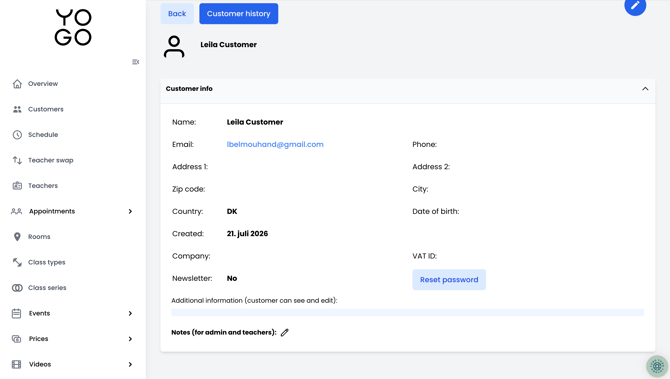
Go to YOGO Admin → Customers → Search for customer → Click on "Reset password"
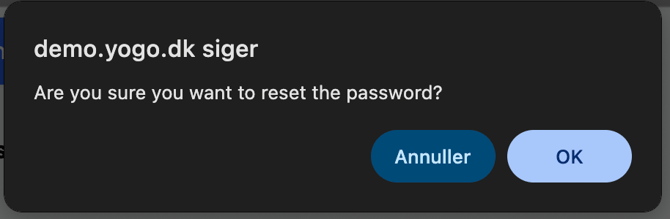
- Click on "OK" to reset password
- Copy the password and send it to the customer via email
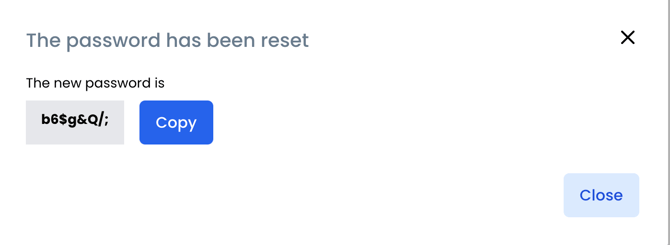
The password has been reset and the customer can now log in.
![Logo-White-1.png]](https://docs.yogobooking.com/hs-fs/hubfs/Logo-White-1.png?height=40&name=Logo-White-1.png)
Go to YOGO Admin → Customers → Search for customer → Click on "Reset password"
The password has been reset and the customer can now log in.