YOGO admin account
How to Change Company Details in Admin
How to do it
- Log in to YOGO Admin→Settings→ Company details
- Update the relevant fields, e.g.:
Company name
Address
Phone number and email
Logo
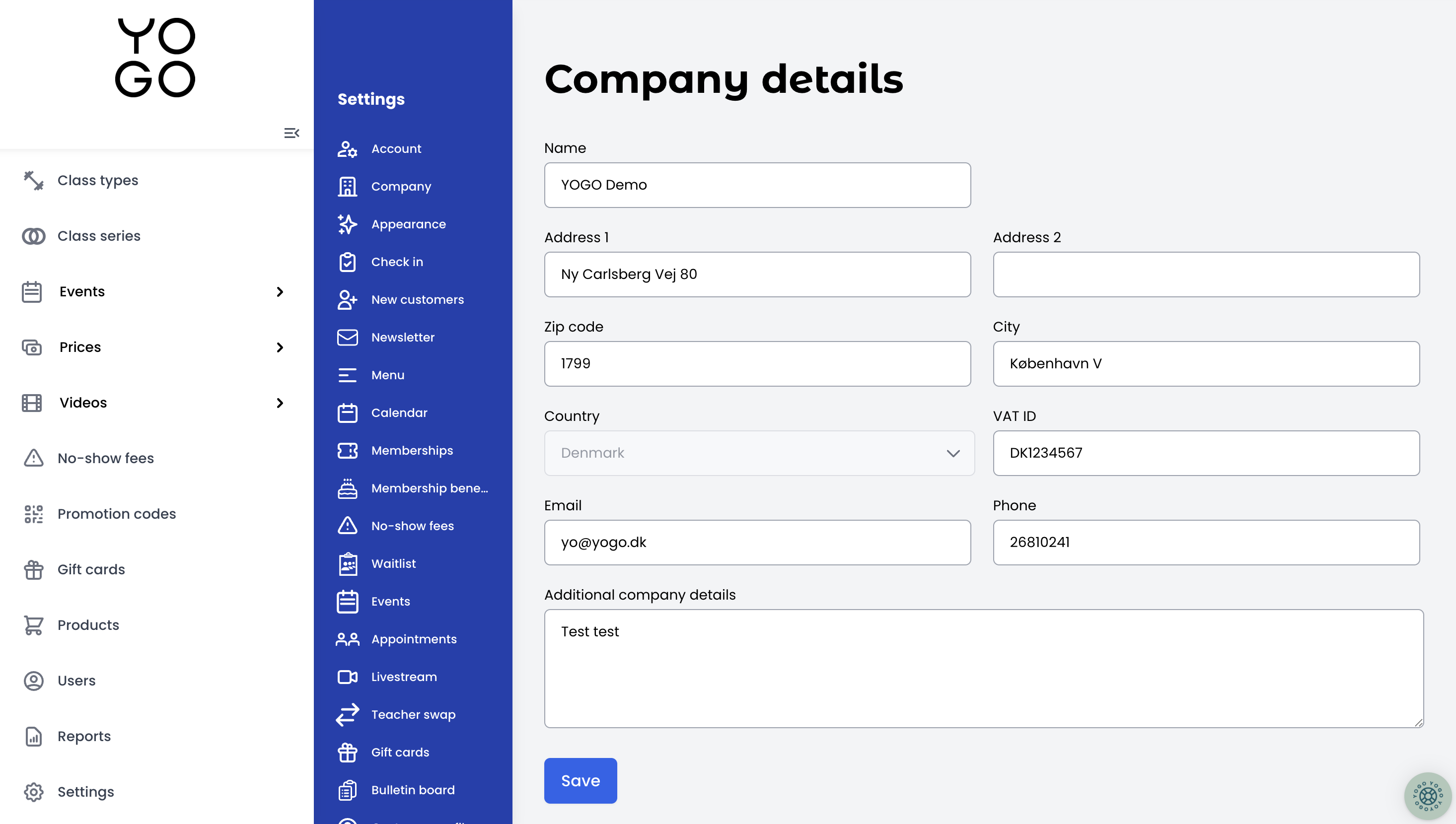
- Click Save to confirm the changes
If your business changes its CVR number (e.g. due to a company restructuring, sale, or new legal entity), it is not enough to simply update the field in Admin — a new payment agreement is also required. Contact YOGO and wait for confirmation of the CVR number change before a correct payment agreement can be set up.
hs-preview-render-marker