YOGO admin account
How to change the order of prices in price groups
How to do it
- Go to YOGO admin
- Click Prices
- Click Price Groups (shown below Prices)
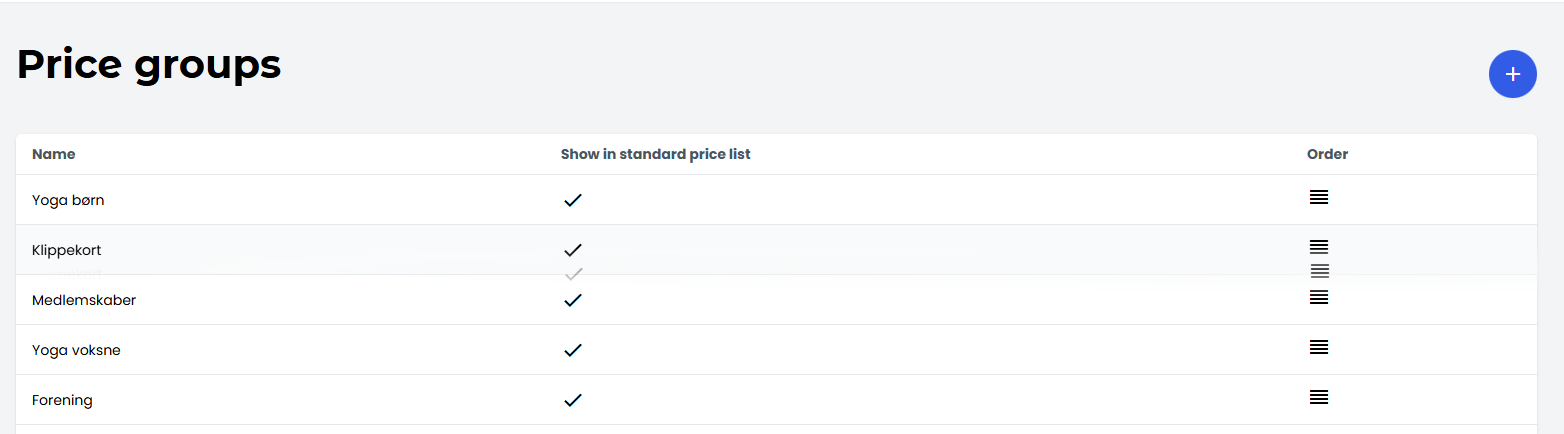
- Use drag and drop to change the order:
Click and hold the icon with the four horizontal lines on the right
Drag the price or price group up or down
Release it when it’s in the desired position
The changes take effect immediately.
hs-preview-render-marker