![Logo-White-1.png]](https://docs.yogobooking.com/hs-fs/hubfs/Logo-White-1.png?height=40&name=Logo-White-1.png)
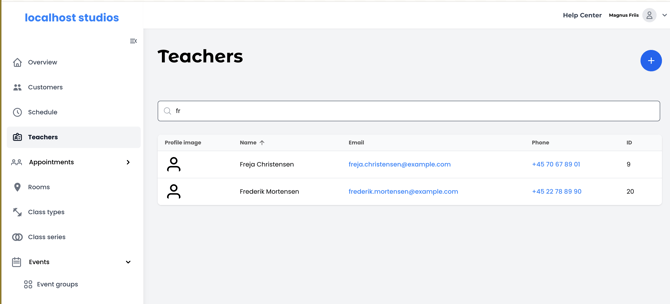
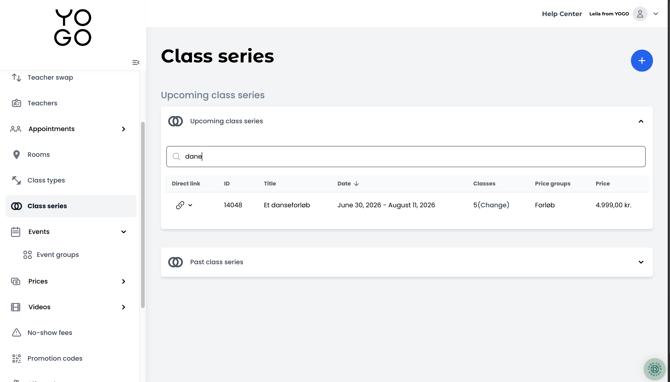
You can now search directly in several of the most used lists in YOGO admin. Search has been added to the Events page (All upcoming events, Ungrouped events and Past events), Class Series (Upcoming and Past), Promotion Codes, Gift Cards, Products, Rooms, and Users. This makes it much faster to find a specific event, customer, or code when the list has many rows.
How to use the search function
- Go to one of the pages with search, for example Events or Users.
- Click in the search field at the top of the list or group.
- Type what you're looking for - for example a name, email, code, or ID.
- The list filters automatically as you type.
- Press Escape (ESC) to quickly clear the search field again.
If nothing matches your search, the message "No search results" is shown ✅.
The search tolerates typos
The search is built to find results even if you misspell something or only type part of a word. For example, searching for "piltaes" will still find "Pilates". The same goes for names - searching for "magnus" will find "Magnus Friis", even if you only enter the first name.
Search directly within your event groups
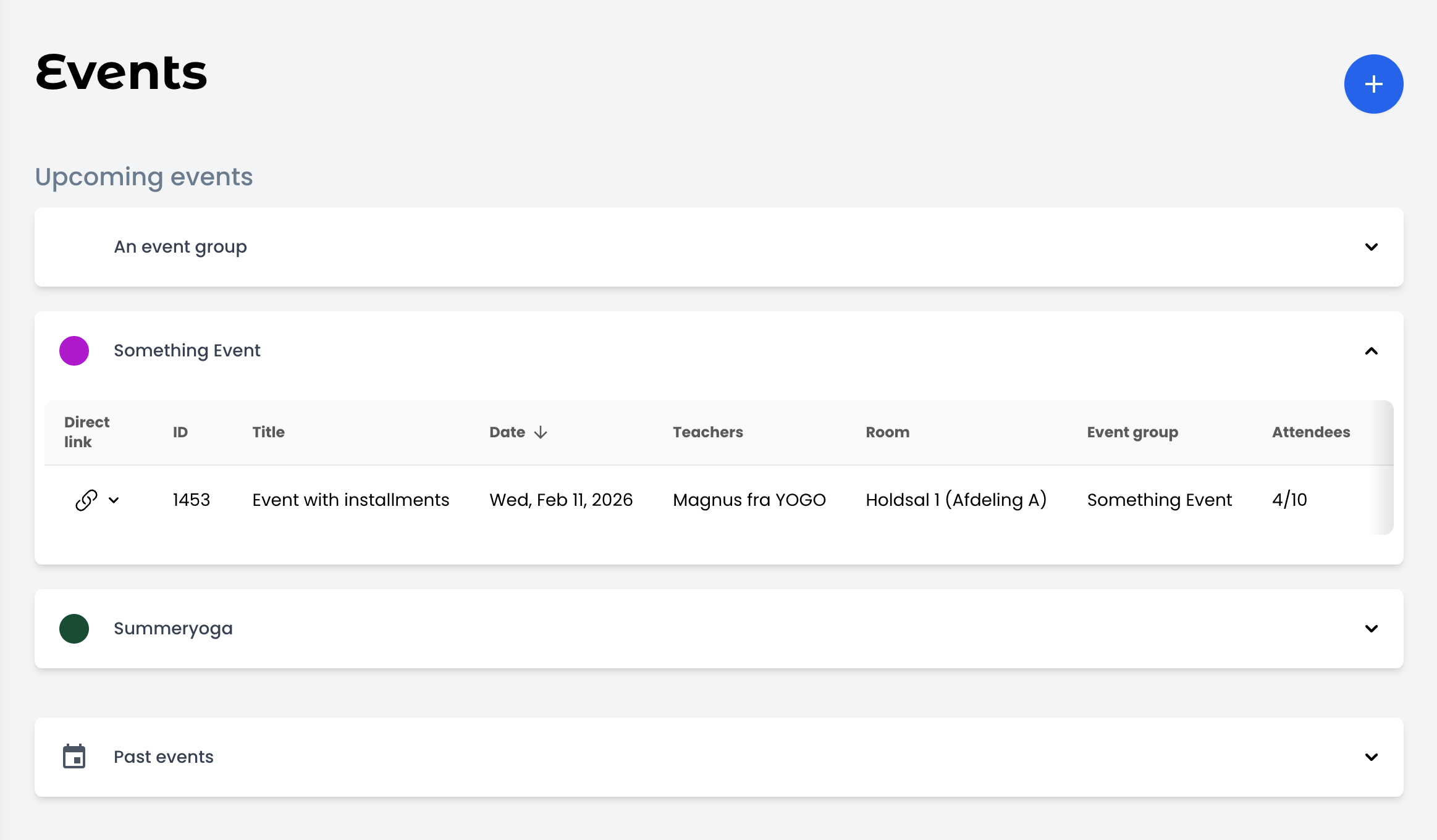
When you open an event group on the Events page (for example "Yoga", "Pilates", or "All upcoming events"), you'll now find a search field at the top of the group. Type what you're looking for, and the table filters instantly. You can search by event name, event ID, teacher name, or room name.
New grouped display on the Events page
Your events are now shown grouped in collapsible dropdowns, following the same order you've set up under Event Groups. Each group shows a colour indicator if you've set one, or a default icon. Events without a group are collected under "Ungrouped Events". If you change the order in your Event Groups settings, the display updates automatically.
View all events in an event group
Opening an individual event group's page now shows all events belonging to that group, split into two sections: Upcoming Events (expanded by default) and Past Events (collapsed by default). Each event shows its ID, title, date, number of attendees out of capacity, and price. Click any event to go directly to its edit page.