![Logo-White-1.png]](https://docs.yogobooking.com/hs-fs/hubfs/Logo-White-1.png?height=40&name=Logo-White-1.png)
What do you as an Admin need to do?
For customers to be able to cancel their membership, you need to make sure that you as an Admin have given your customers access to cancel their membership themselves:
- Go to YOGO Admin → Settings → Memberships
- Under Cancellation → check the box "Customer can cancelmembership"
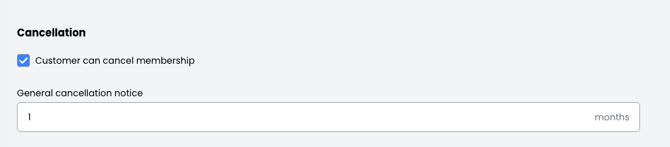
Please note: The general cancellation notice period is one month.
The customer can now go into YOGO and cancel their membership themselves:
- Go to YOGO customer profile → My profile → My membership → click on show membership
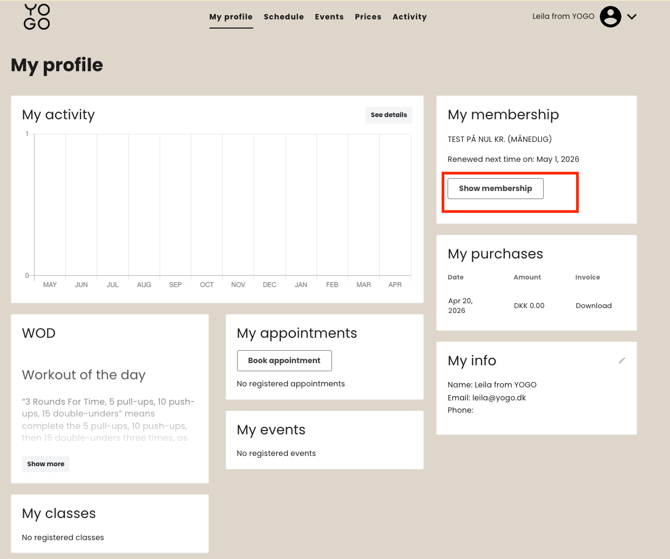
under show membership:
-
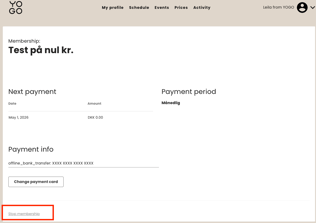
click on stop membership → stop membership
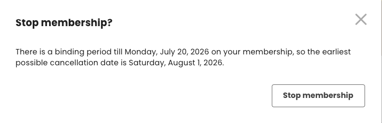
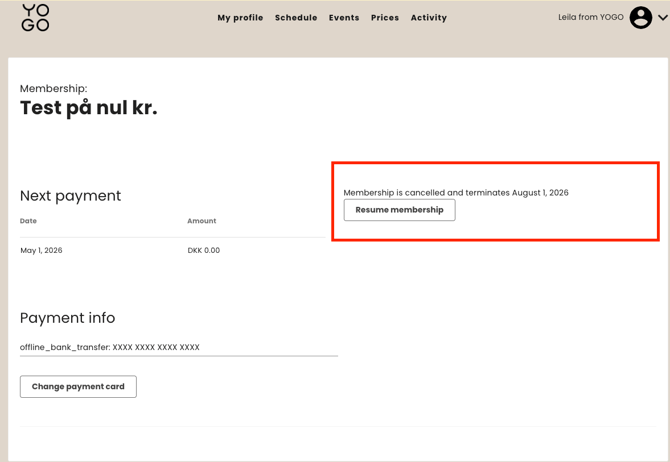
- When the customer cancels their membership, a pop-up message will automatically appear on the screen, which informs the customer how long the cancellation notice is.
- The customer can now see, when the membership will end.